Athlete Guide

How to use BUILT.

Everything you and your family need to get set up and train with confidence. Your membership includes two connected systems — the 12-week In-Season Performance System and BUILT Fuel — and both live in one place: builtperformance.co/app. There is nothing to download from an app store.

One Time · About 3 Minutes

Getting started.

1 · Join

Go to builtperformance.co/join, pick Monthly or Annual, and check out securely with Stripe. You'll land on the YOU'RE BUILT welcome page.

2 · Add to Home Screen

iPhone: open BUILT in Safari, tap the Share icon, then Add to Home Screen.
Android: open BUILT in Chrome, tap the three-dot menu, then Add to Home screen.
Now training is one tap away.

3 · Create your profile

Enter the athlete's name — it appears on the completion certificate later, so make it the athlete's, not the parent's.

4 · Watch the welcome

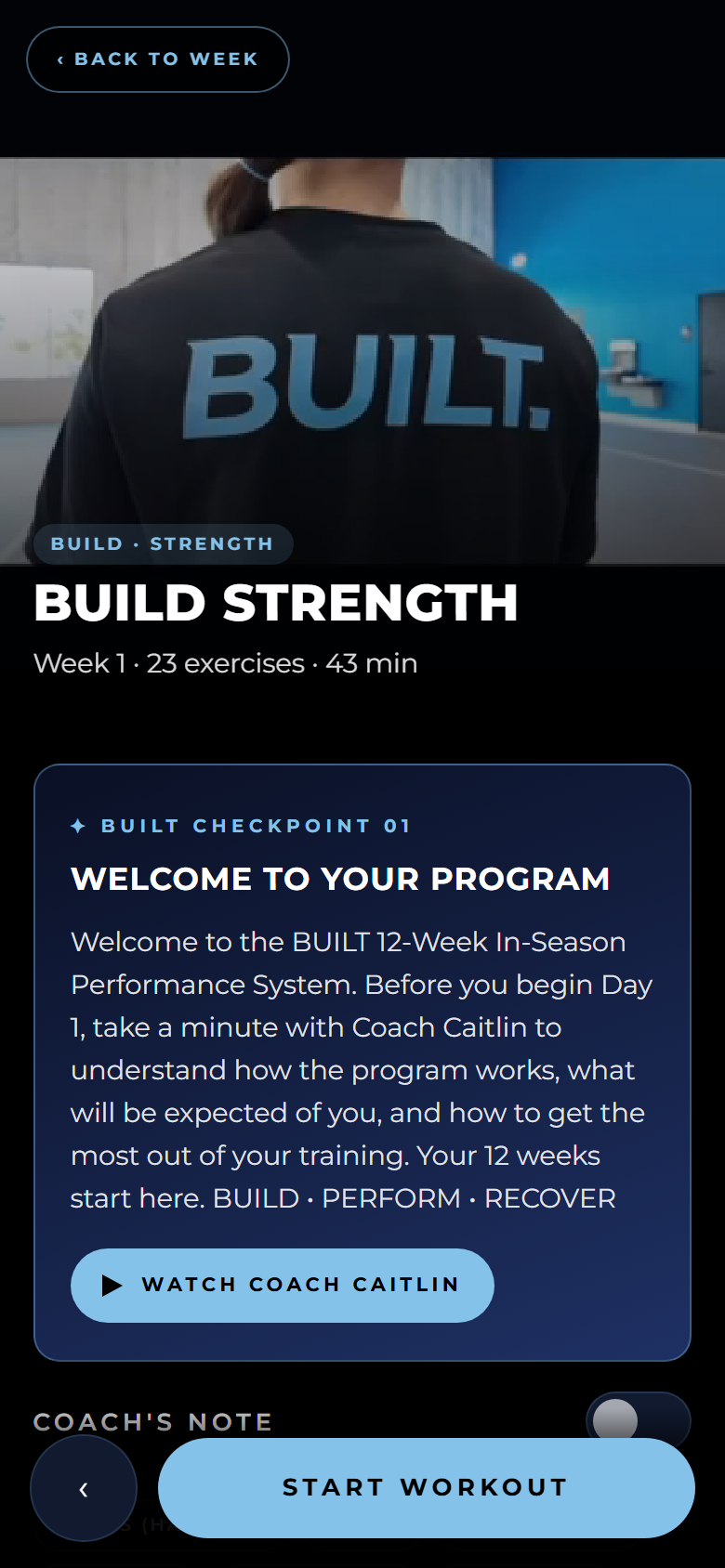
Coach Caitlin's welcome video plays the first time you open your training and explains how the 12 weeks work.

5 · Start Day 1

Your first workout is ready. That's it — you're BUILT.

Signing in — no passwords

On any new device, go to the app, tap Sign in, and enter the email you enrolled with. A one-tap sign-in link arrives in your inbox. Your progress follows you automatically.

The Training System

How your training works.

12 weeks, three phases, three required days every week — Build Strength, Build Performance, and a required Recover day. Days unlock in order, and each new week unlocks when you finish the one before it.

Every exercise is guided

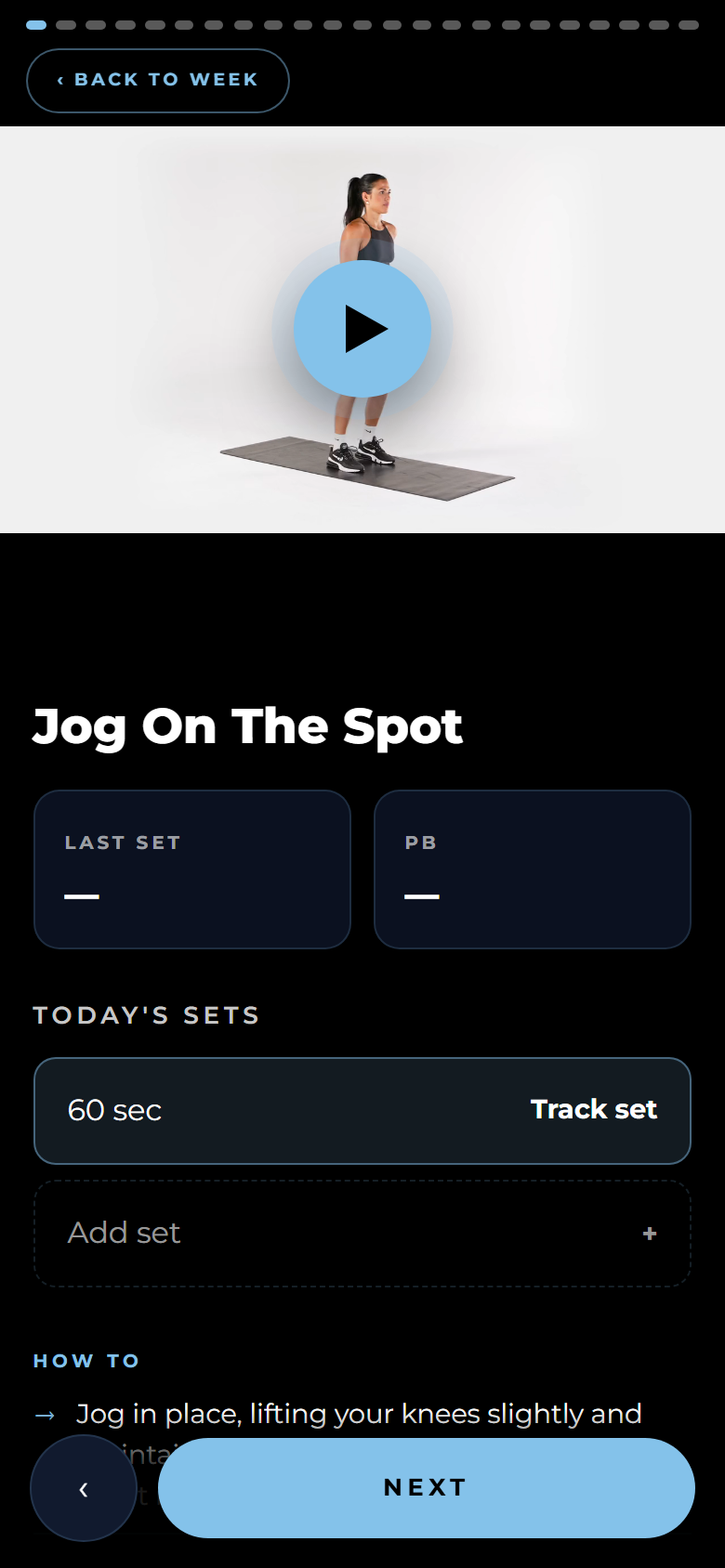
A demonstration video, the exact sets and reps, and step-by-step How To instructions with coaching cues on every movement.

Track every set

Tap a set row, enter your reps (and weight where it applies), and save. The app remembers your last set and your personal best on every exercise — single-side work tracks Right and Left separately.

Timers run themselves

Timed exercises float a countdown out of the way so you can watch the demonstration. Rest countdowns start automatically between sets where rest is programmed.

Coaching checkpoints

At key milestones Coach Caitlin has a video message for you. Watch it and press Continue — checkpoints between phases unlock the next block of training.

Finish the day

Complete the last movement and the day is logged — confetti, your session stats, and a Share Your Workout graphic for your story. Tag @builtperformanceco.

Finish the program

All 36 workouts logged earns the full celebration: your 12-week totals and your personalized Certificate of Completion, ready to download.
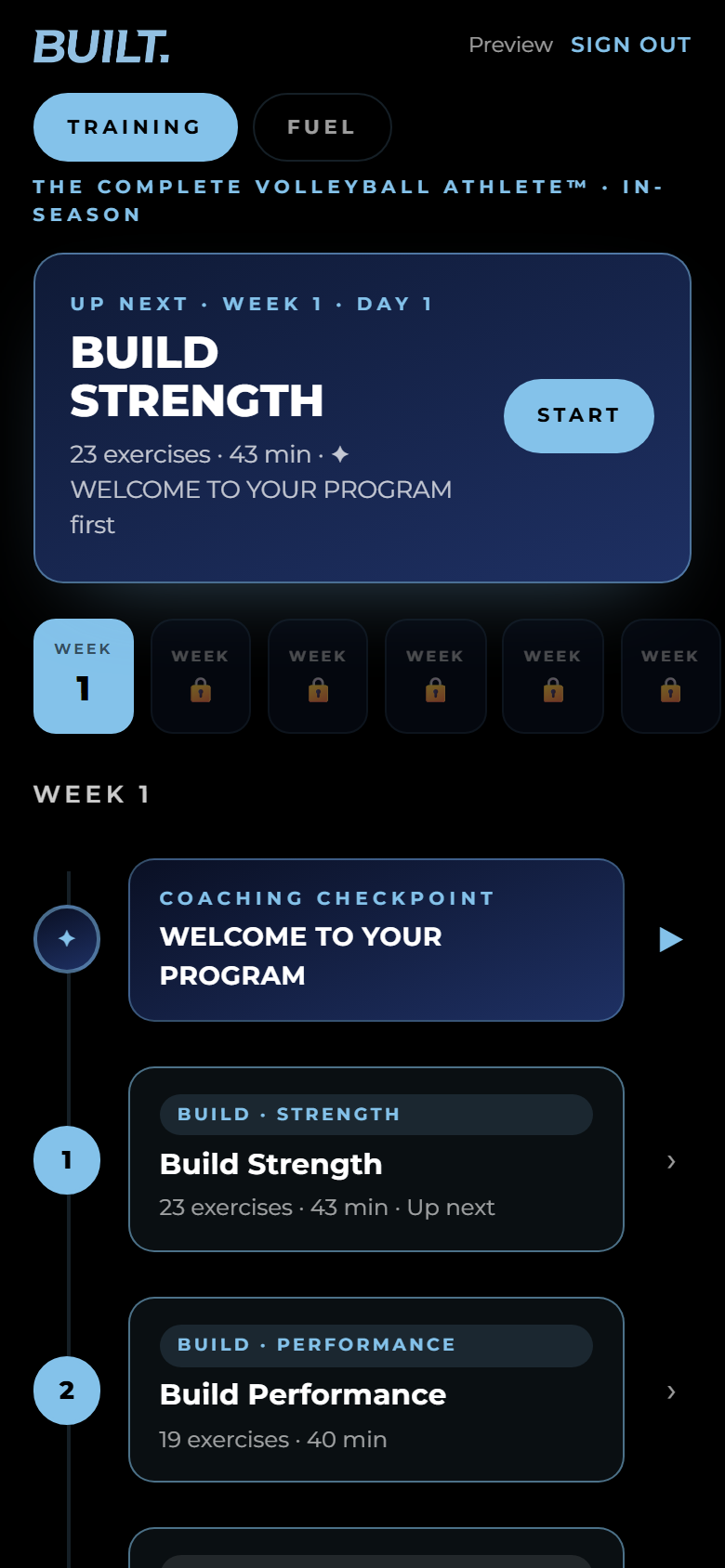
The 12-week plan
Your 12-week plan
A training day
A training day
A guided exercise with tracking
Guided exercise + tracking
Included With Your Membership

Using BUILT Fuel.

Tap the Fuel tab at the top of your training. Real food first — no calorie counting, no macros, ever.

Start with the videos

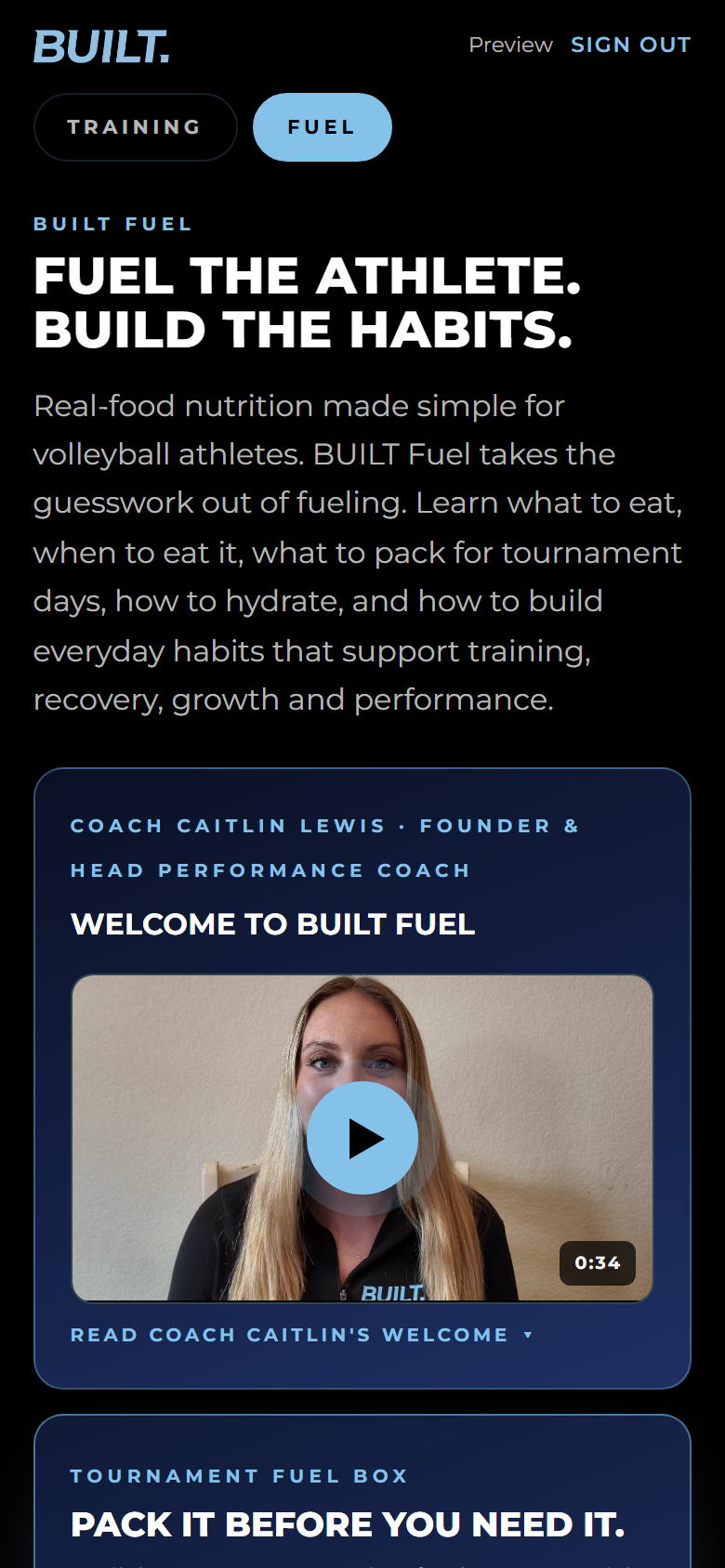
Coach Caitlin's six short Fuel lessons sit right on the dashboard, in order. Watch them first — everything else builds on them.

Know what to eat

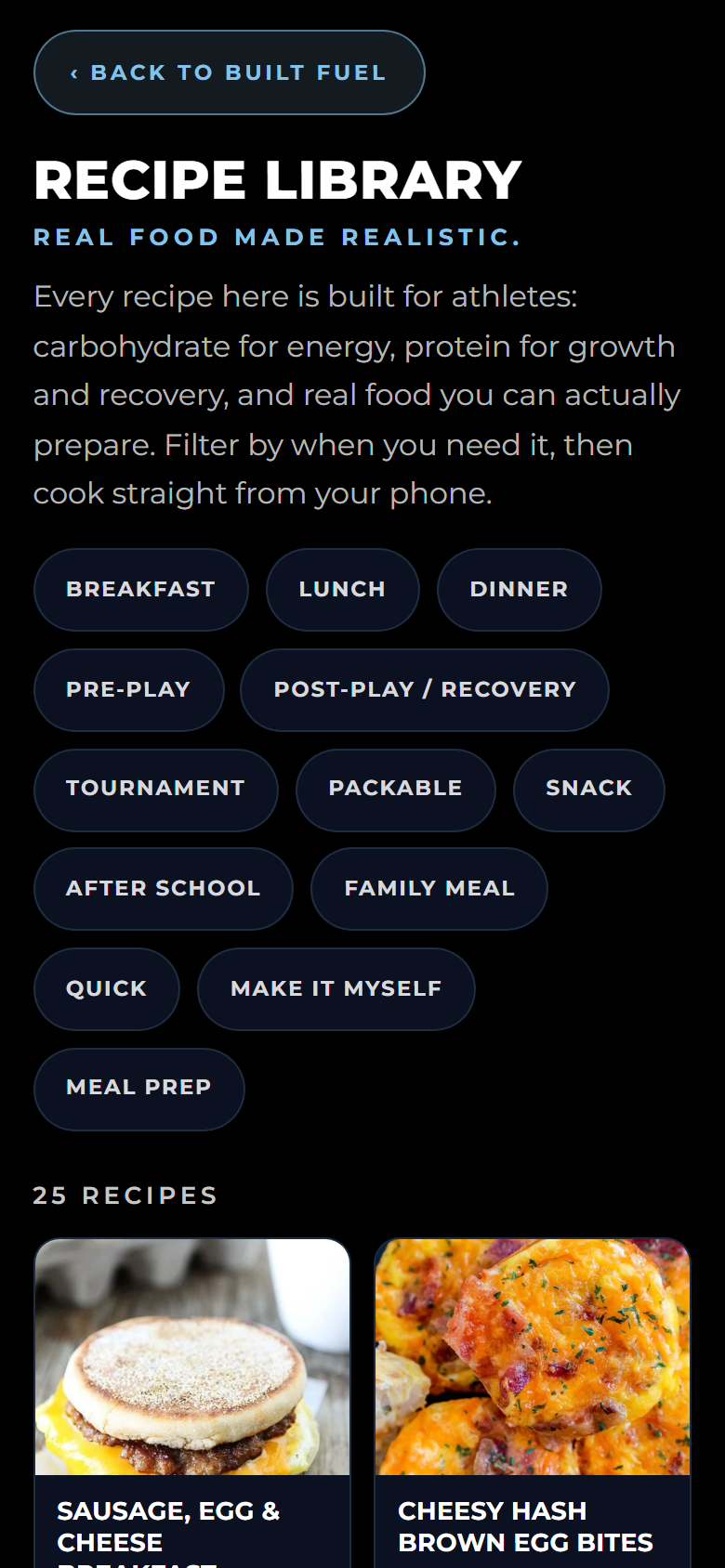
The Fuel Finder asks what you're preparing for and how much time you have, then tells you exactly what to eat. The Recipe Library has 25 athlete-friendly recipes, filterable by when you need them.

Pack it before you need it

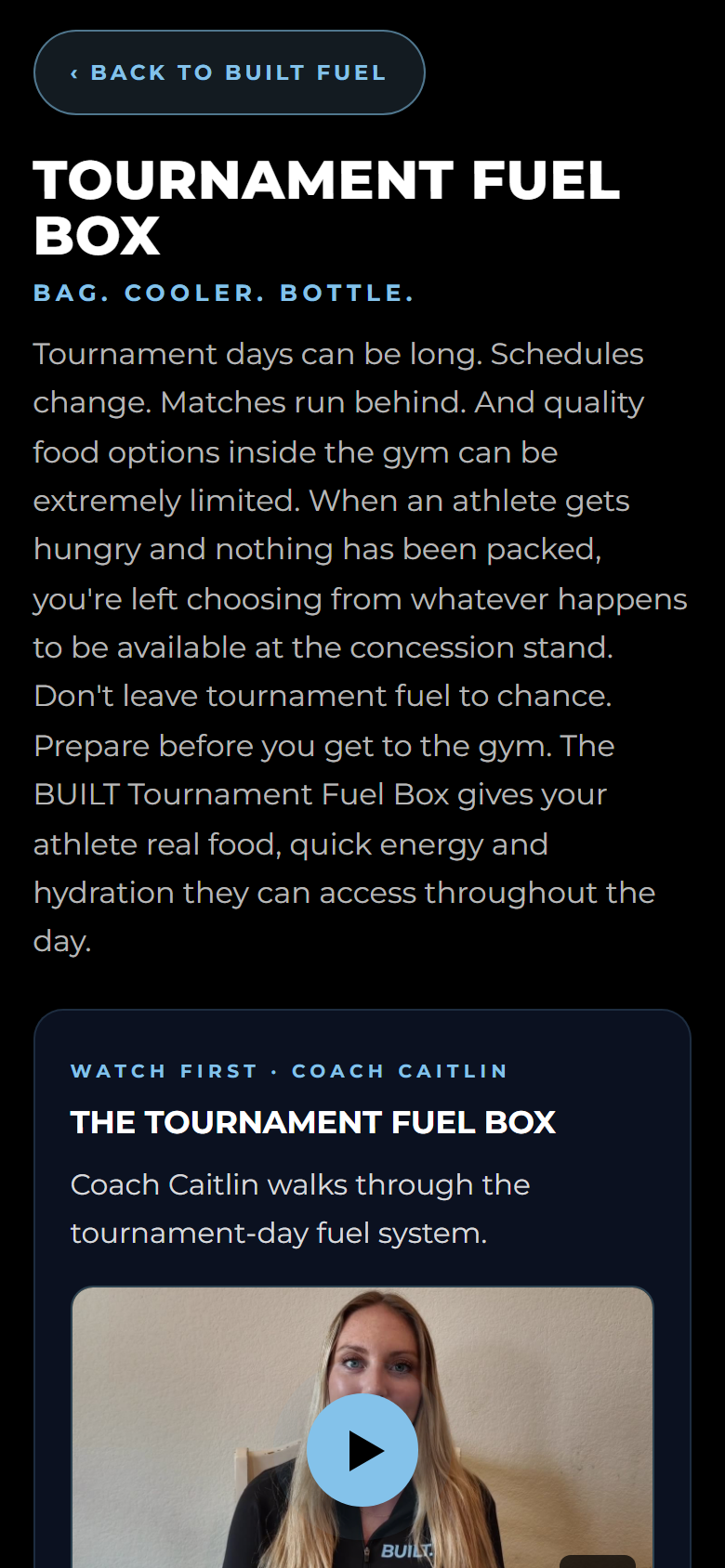
The Tournament Fuel Box — Bag. Cooler. Bottle. — builds your complete tournament-day system, with a packing checklist and a between-matches guide.

Shop + Prep

Weekly and busy-week grocery lists plus breakfast and lunch prep guides, so fueling never becomes a last-minute decision.

Build the habits

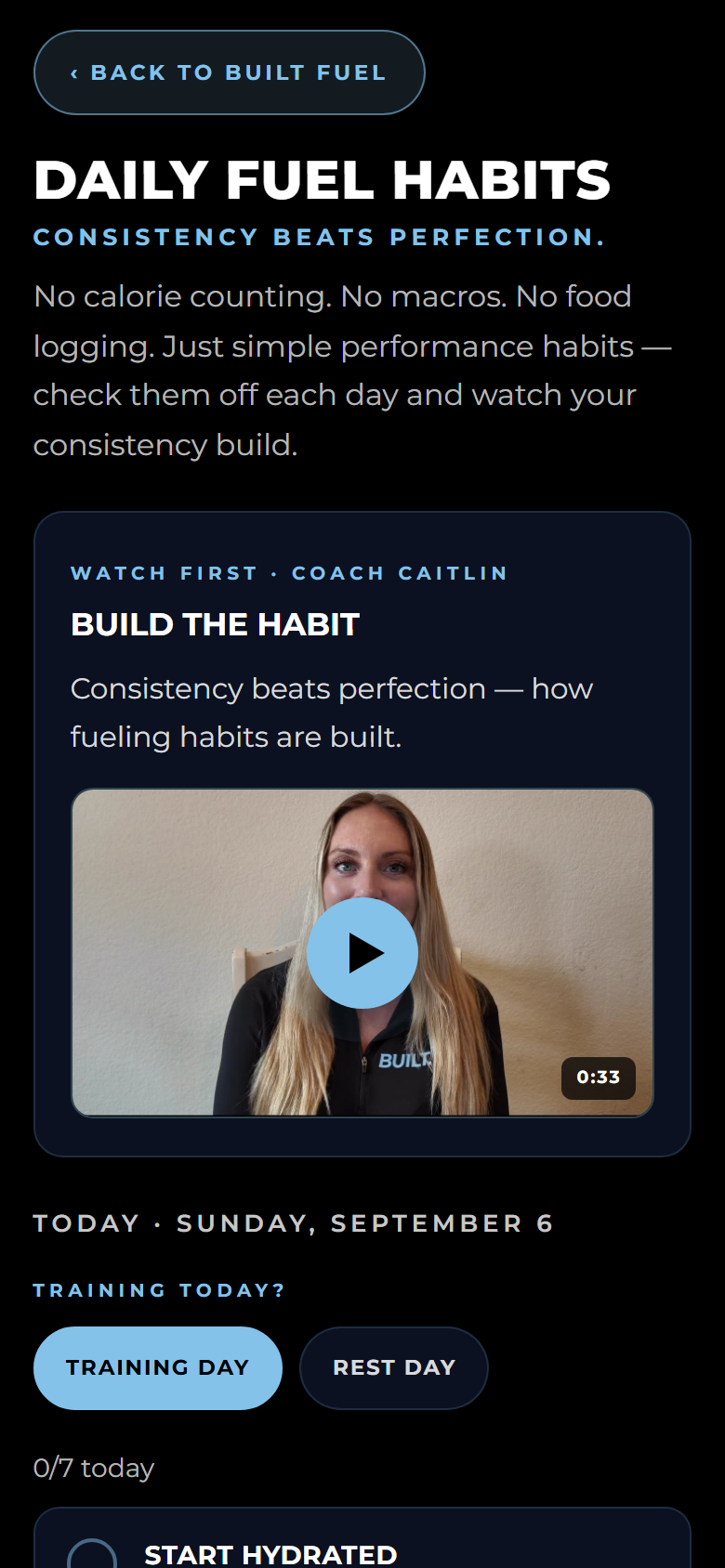
Seven simple daily checkboxes — with training-day and rest-day versions. Check all seven and BUILT celebrates with you. Arrows in the weekly view let you look back at every past week.

Learn the why

Fuel Basics has short lessons on the athlete plate, carbs, protein, fats, hydration, electrolytes, and timing — each ending with how to put it into practice.

Fuel dashboard
Fuel dashboard
Recipe Library
Recipe Library
Tournament Fuel Box
Tournament Fuel Box
Daily Fuel Habits
Daily Fuel Habits
Your Membership

Managing your membership & quick help.

Update or cancel anytime

Tap Membership at the top of your training. It opens your secure Stripe billing page — update your card, view invoices, or cancel. If you cancel, you keep access until the end of the period you've paid for.

Receipts & renewal

Payment receipts are emailed automatically. Your membership renews monthly or annually, depending on your plan, until you cancel.

New phone?

Sign in at builtperformance.co/app with the email you enrolled with — your progress is already there. Then add BUILT to the new Home Screen.

Sign-in link missing?

Check spam or junk, and confirm you used the email you enrolled with. Links open on the device you want to train on.

A video won't play?

Refresh the page. On older devices, use Safari on iPhone or Chrome on Android.

Anything else

Email info@builtperformance.co and we'll get you moving.